
Appearance
Tracking & QR tickets
Two things follow a shipment physically: the public tracking code of each batch, and the QR tickets scanned at the provider's locations.
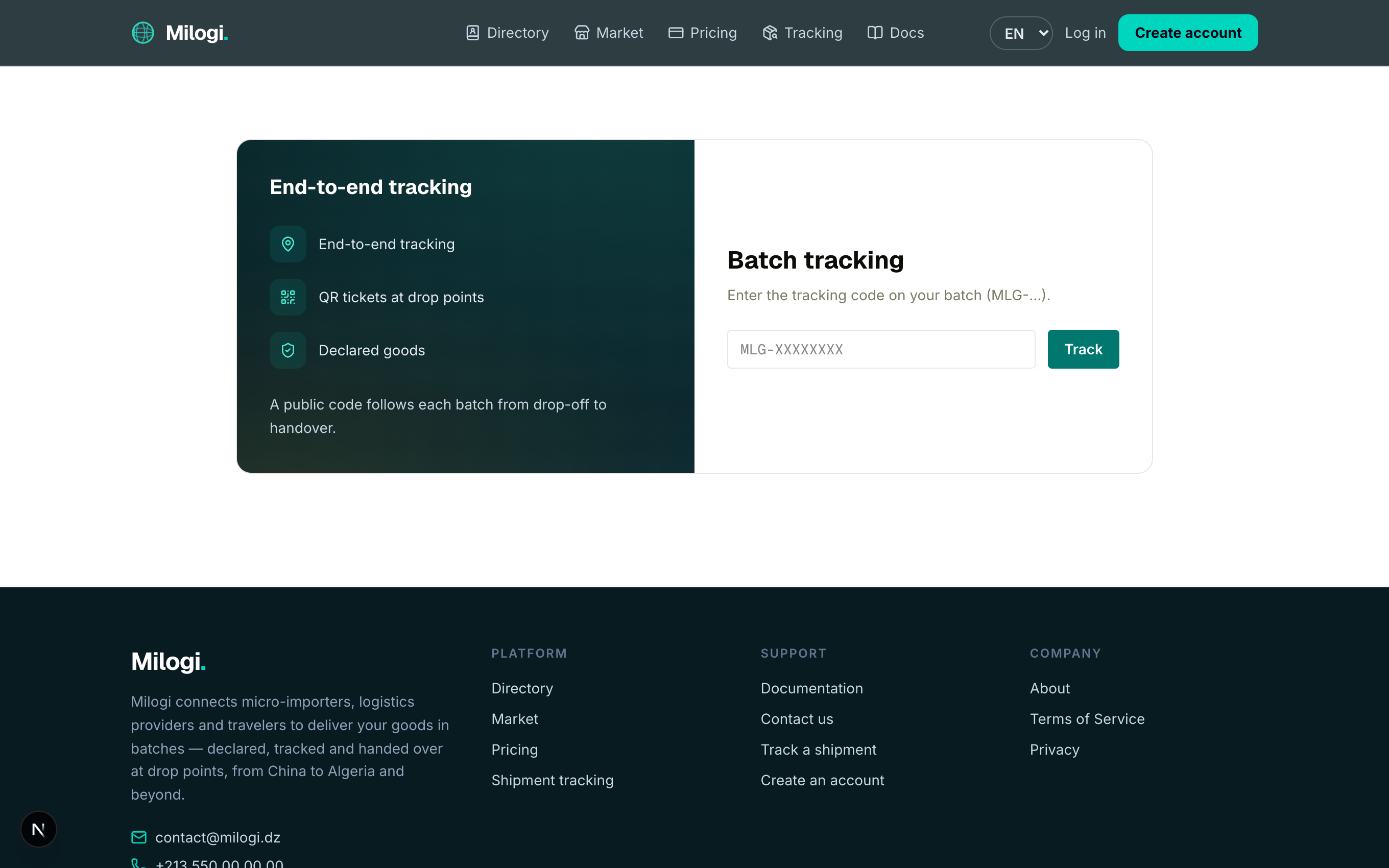
Public batch tracking
Every batch gets a code of the form MLG-XXXXXXXX when the provider creates it. Anyone with the code can follow the batch — no account needed.
- Open Tracking in the header (or the footer's Track a shipment), or go to
/track. - Type the code and click Track.
The result page shows the route, the goods type and weight, the current status pill, and the timeline of every status change with its date and time:
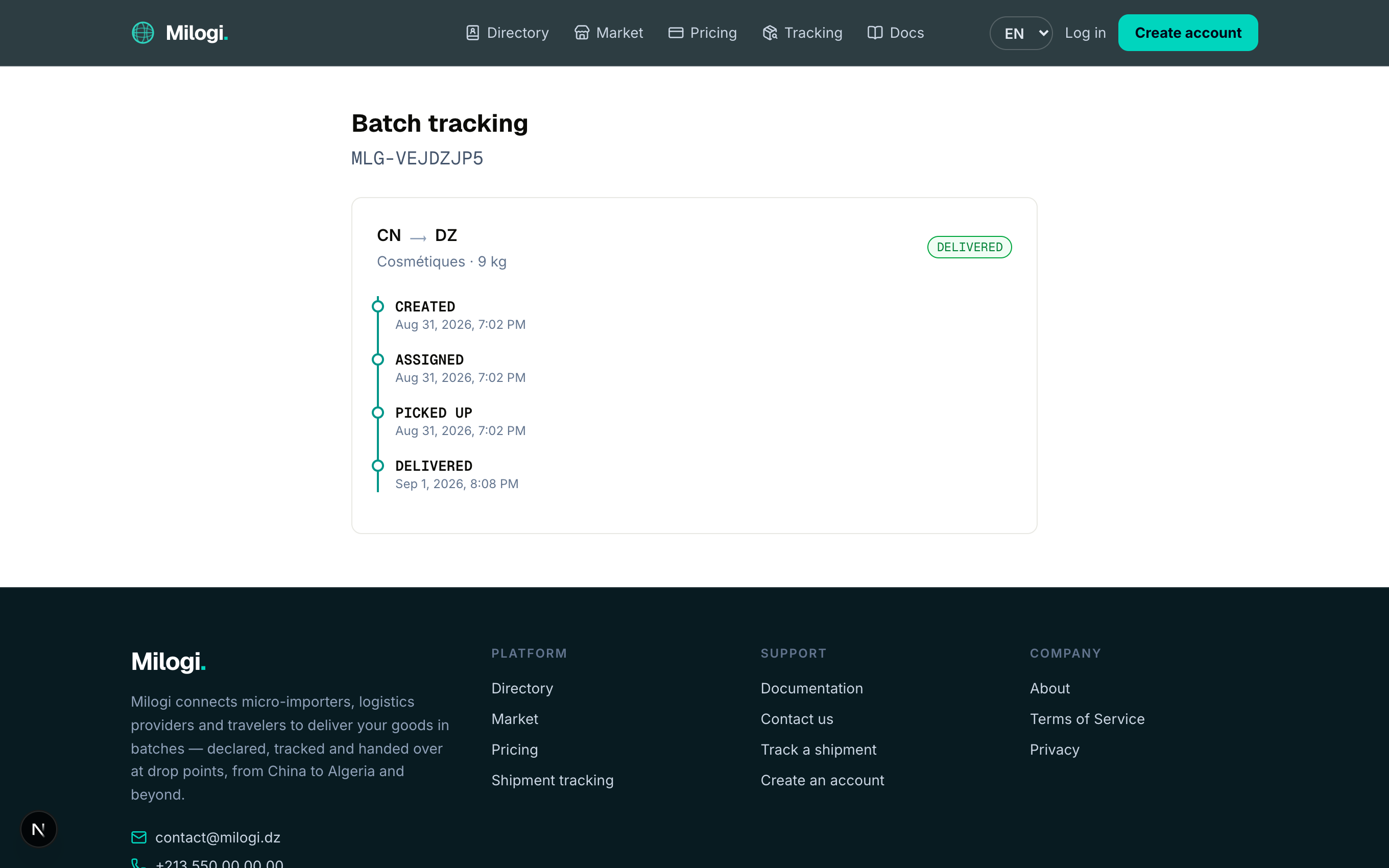
You can also open /track/MLG-XXXXXXXX directly — that is the link customers get from their operation page (each batch code is a link with a ↗).
Where do I find the code?
- Customers: on the operation page in your space (
/c/ops/…), each batch shows its code. - Travelers: on your dashboard under Batches to carry and on each trip's Parcels on board table.
- Providers: on the operation page (
/p/ops/…) under the dispatch section.
The statuses you will see are explained in Vocabulary & lifecycles.
QR tickets
Tickets are vouchers issued by the provider and scanned at one of the provider's locations (a warehouse or a drop point). They carry a QR code that opens the provider's scanner with the ticket code pre-filled, and a short code you can type instead.
| Ticket | Code | Issued for | What the scan does |
|---|---|---|---|
| Customer ticket | TKC-… | an operation with a quote | Collect customer payment — settles what the customer owes for the operation |
| Traveler ticket | TKT-… | a batch assigned to a trip | Mark goods received — the batch becomes Delivered; Pay the traveler — settles the traveler's payout for the batch |
A ticket card shows its kind, the operation code and goods, the number of pieces, the location it belongs to, the estimated delivery date when the provider set one, and the amount.
As a customer
Your tickets appear at the top of the operation page in your space. Show the QR code (on your phone or printed) at the provider's drop point when you pick up your goods; the provider scans it and records your payment.
As a traveler
Your tickets are listed on your dashboard under My tickets. Show the QR code when you hand the batch over at the provider's location: the scan marks the goods received and can pay you on the spot.
As a provider
See Locations & QR tickets for issuing and scanning.
One open ticket at a time
An operation can have only one non-settled customer ticket, and a batch only one non-settled traveler ticket. Settle the existing one before issuing another.