
Appearance
Customer guide
As a customer you buy abroad and want the goods at your door. On Milogi you pick a rated service provider, send them a request, accept their quote, then follow every batch to the drop point. Your space lives at /c.
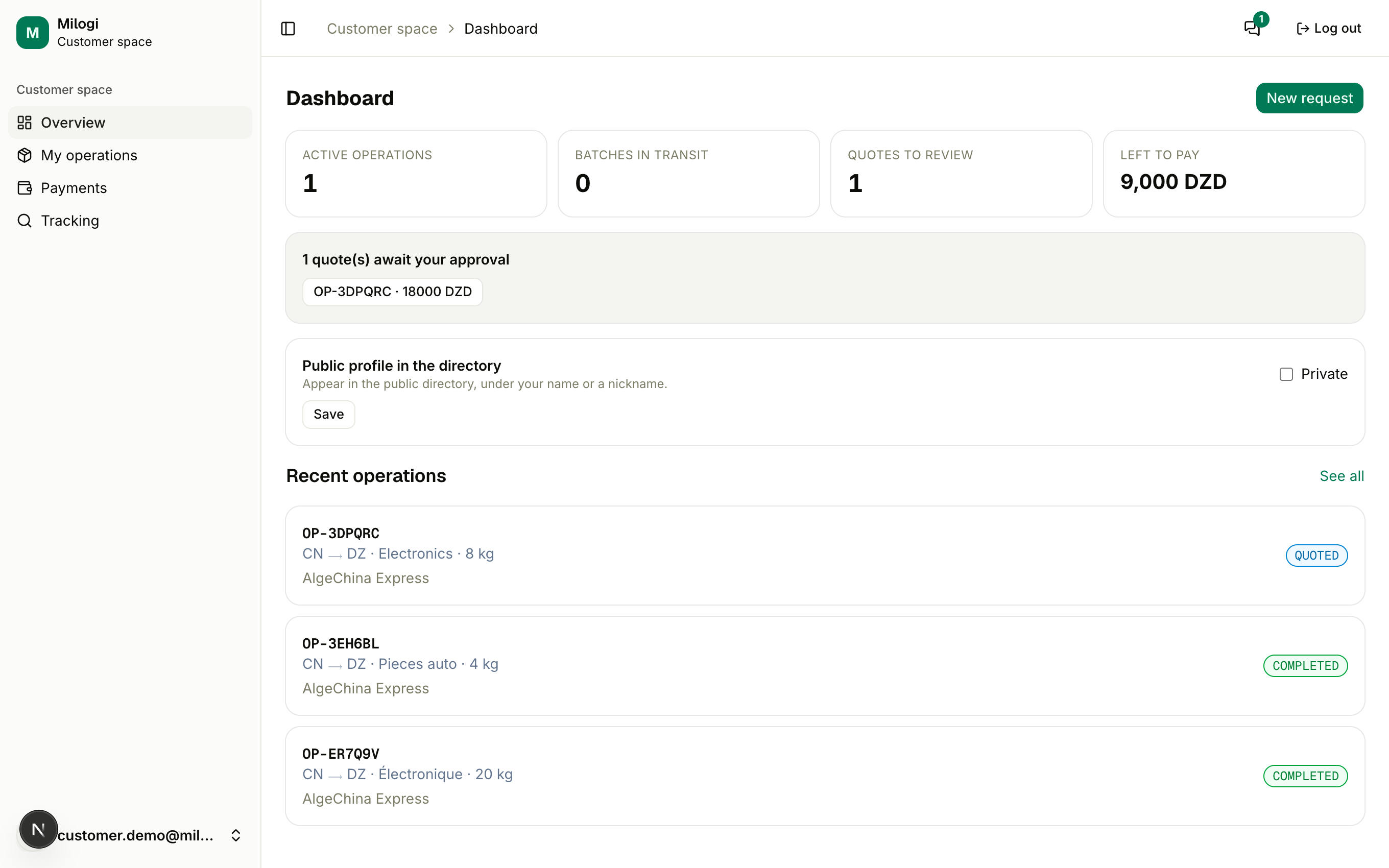
Your space at a glance
| Sidebar entry | What you do there | Guide |
|---|---|---|
| Overview | Active operations, batches in transit, quotes waiting, what is left to pay, recent operations | this page |
| My operations | Send new requests, see every operation | Requests & quotes |
| Payments | What you owe your providers | Payments |
| Tracking | Public batch tracking by code | Following your delivery |
Getting started
- Create your customer profile during onboarding: display name, country, phone.
- Find a provider in the directory — compare ratings, completed operations and the Verified badge; message them if you have questions.
- Send a request from My operations (Requests & quotes).
- Accept the quote when it arrives; the provider then splits your goods into batches and hands them to travelers.
- Follow the batches and pick them up at the drop point with your QR ticket (Following your delivery).
Version française : regarder en français
The dashboard tiles
- Active operations — everything not yet completed or cancelled.
- Batches in transit — batches picked up but not delivered yet.
- Quotes to review — operations waiting for your acceptance; a banner below lists them with one-click access.
- Left to pay — the unsettled part of your accepted quotes, per currency.
- Recent operations — the latest five; See all opens the list. New request opens the request form directly.
Customers pay no subscription
The free plan limits only the number of requests per month and active operations, as set by the platform for your user group. Everything else — tracking, tickets, chat — is included.