
Appearance
Payments
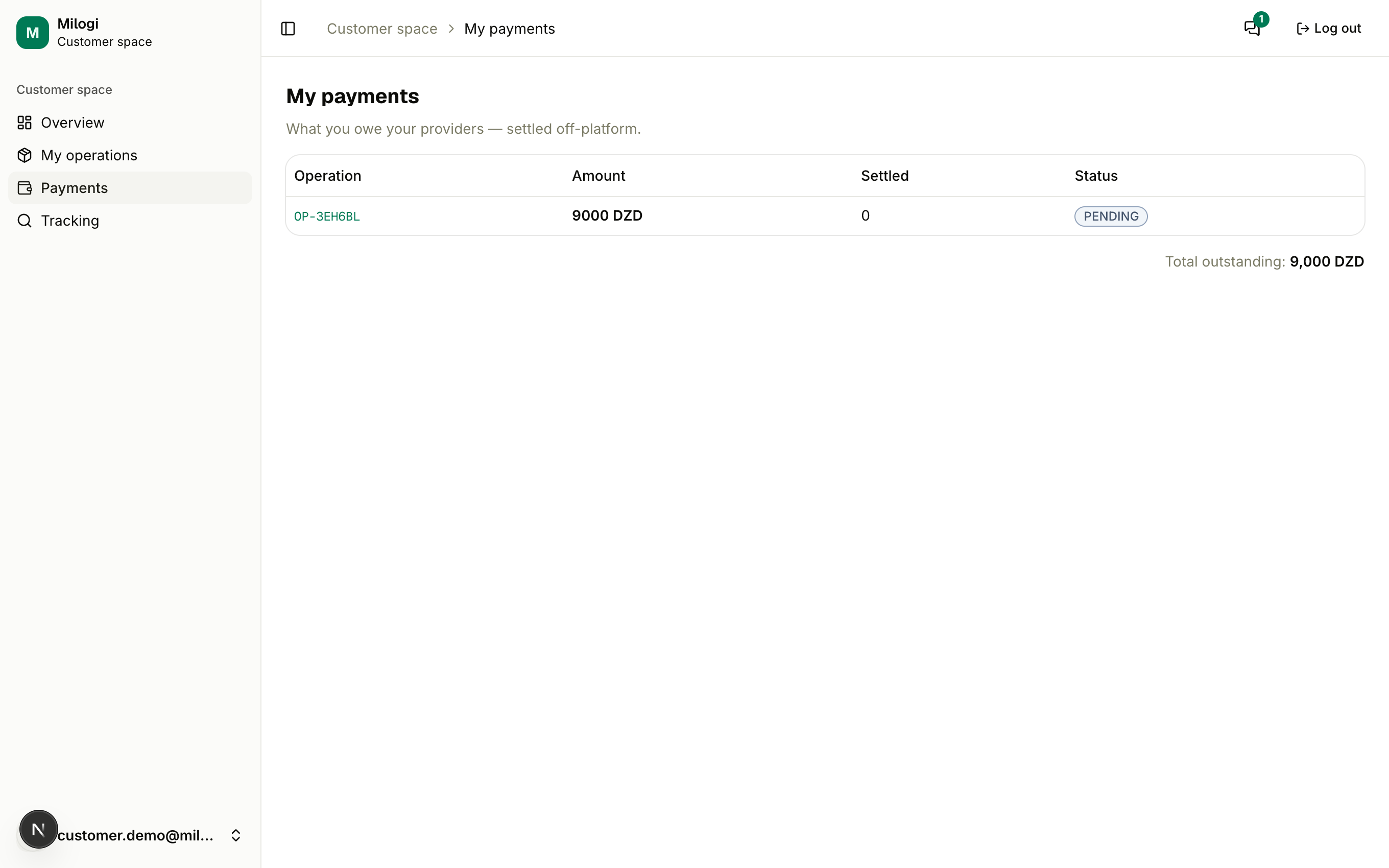
Payments (/c/ledger) lists what you owe your providers. Milogi records amounts; the money itself is paid off-platform — typically in cash at the drop point when you collect your goods, or as agreed with the provider.
How a line is created
Accepting a quote creates one line for the operation: the quoted amount, in its currency, with status PENDING. Walk-in operations created by a provider for you work the same way with the agreed price.
Reading the table
| Column | Meaning |
|---|---|
| Operation | the code — click it to open the operation |
| Amount | what was agreed |
| Settled | what the provider has recorded as received |
| Status | PENDING (nothing yet), PARTIAL, SETTLED (paid in full) |
Total outstanding at the bottom (and the Left to pay tile on your Overview) sums the unsettled parts per currency.
How it gets settled
- the provider scans your QR ticket at the drop point and presses Collect customer payment — the line is settled in full, or
- the provider updates the line in their own ledger, recording a partial or full amount.
You cannot edit these lines yourself; if a payment you made is not reflected, contact the provider through Messages.