
Appearance
Which guide is for me?
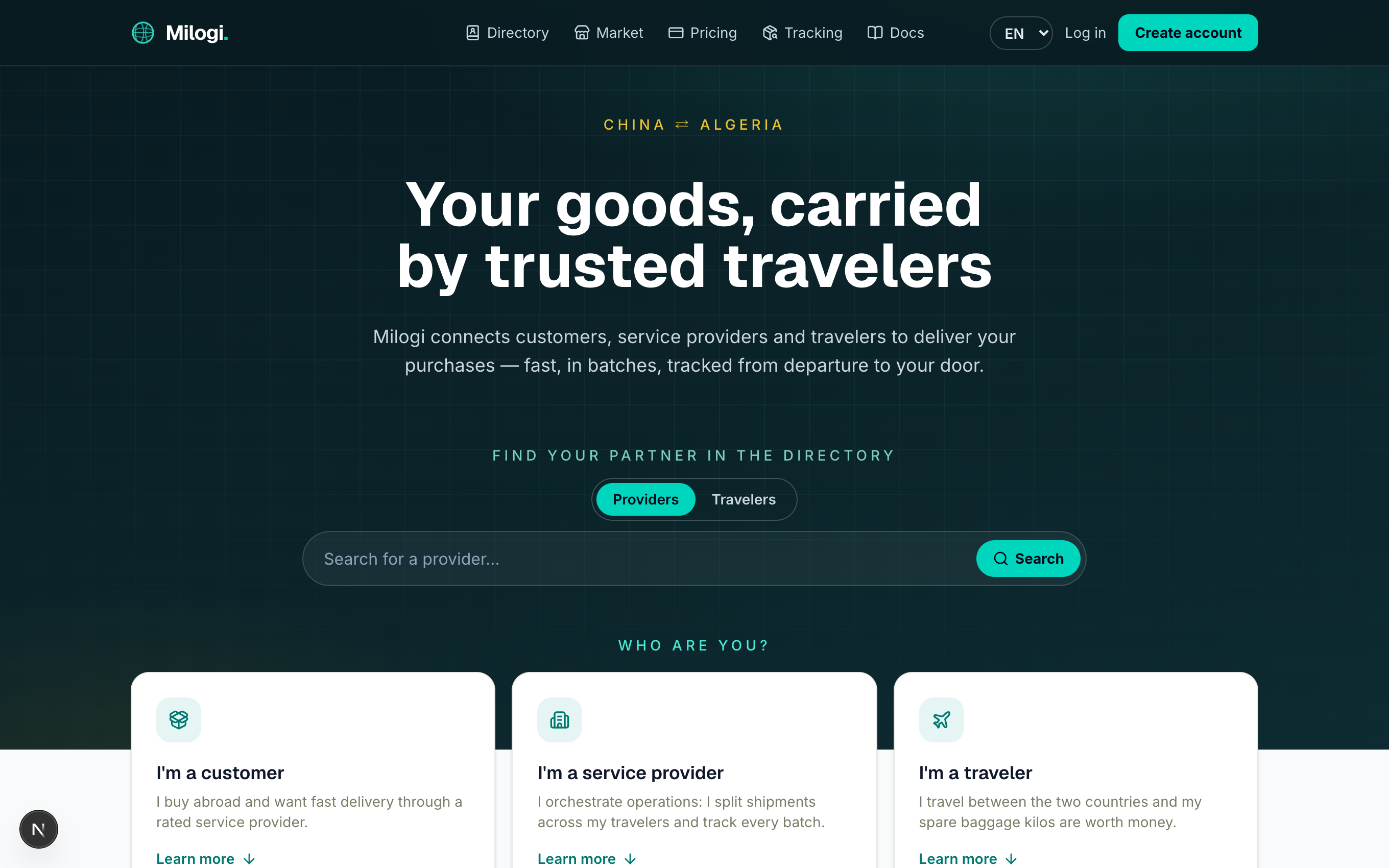
Milogi is a crowdshipping marketplace for micro-importers. A customer buys goods abroad, a service provider organises the delivery, and travelers carry the goods in their spare baggage. The platform was built for the China ⇄ Algeria corridor first, but it works on any route.
Every Milogi account is an email + password. What you can do depends on the role profiles you attach to it — and one account may hold several roles (for example a provider who also travels). Pick the guide that matches how you use Milogi:
| I am a… | I use Milogi to… | Guide |
|---|---|---|
| 🏢 Service provider | receive requests, send quotes, split shipments into batches, dispatch them to travelers, run locations and QR tickets, get paid | Provider guide → |
| 🧳 Traveler | publish my trips, carry batches for providers, update their status on the way, confirm my payouts | Traveler guide → |
| 📦 Customer | send a delivery request to a provider, accept a quote, follow my batches to the door, pick them up with a QR ticket | Customer guide → |
Topics for every account
These pages apply whatever your role:
- Your account — registering, onboarding roles, logging in, switching language (FR / AR / EN), your profile page.
- Plans & pricing — the free plan, paid tiers, 14-day trials, what each plan unlocks, how payment works.
- Messages — the built-in chat between providers, travelers and customers.
- Tracking & QR tickets — following a batch with its public code, and how tickets work at drop points.
- Directory & market — finding partners, browsing product listings, public showcase pages.
- Vocabulary & lifecycles — what a batch, an operation, a trip or a ticket is, and the statuses they go through.
How a delivery works, in one minute
- A customer describes the goods (route, type, weight) and sends a request to a provider they picked from the directory.
- The provider replies with a quote. The customer accepts it — that amount becomes what the customer owes.
- The provider splits the shipment into batches (each with its own
MLG-…tracking code and piece count), declares their contents inspected and assigns each batch to a trip found through the traveler search. - The traveler picks the batch up and moves it along: picked up → in transit → arrived → customs cleared → delivered. Every step is timestamped and visible on the public tracking page.
- At the provider's location, QR tickets confirm the handover: the traveler ticket marks the goods received and triggers the payout, the customer ticket confirms the pickup and the payment.
- Once every batch has landed the operation is completed; customer and provider can rate each other.
New here?
Start with Your account to create your profile, then jump to your role guide. Screenshots in this documentation come from the English interface; the French and Arabic interfaces have exactly the same layout (Arabic is displayed right-to-left).