
Appearance
Finding travelers
Batches travel on trips. You can find trips two ways: search the trips that public Milogi travelers published, or plan trips for your own in-house travelers.
Searching open trips
Travelers in the sidebar (/p/search) searches every open trip with a future departure.
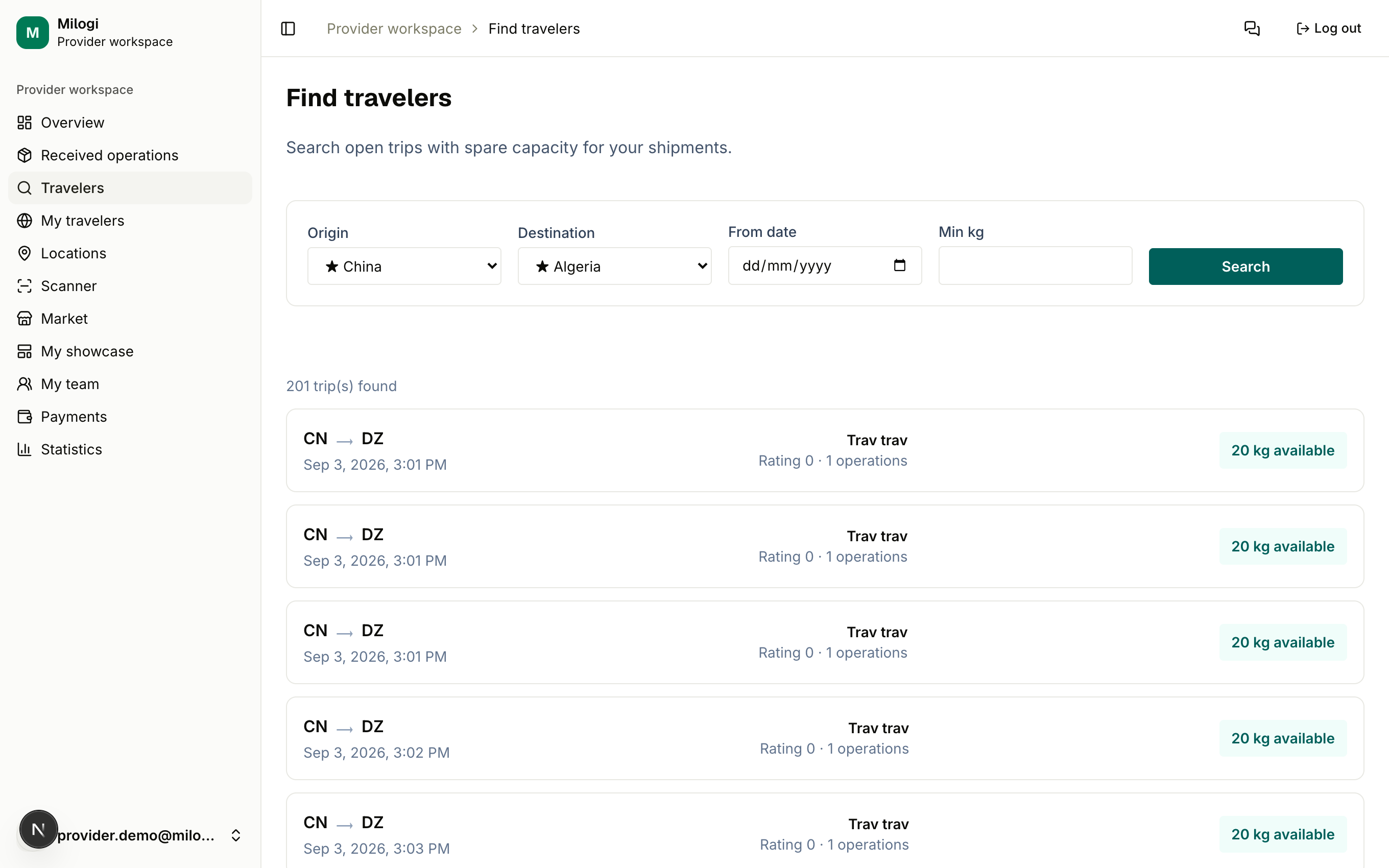
- Set the Origin and Destination countries (China → Algeria by default).
- Optionally set a From date (departures on or after that day) and a Min kg of free capacity.
- Click Search.
Each result shows the traveler's name, their ★ rating and number of operations, the cities, the departure date and the kg available (capacity minus batches and personal payloads already on board). Trips of your in-house travelers are included; other providers' in-house travelers are never shown.
To put a batch on a trip you do not search here — you open the operation and use the trip picker under the batch (Assigning a batch to a trip), which applies the same route filter automatically.
Daily search limit
Trip searches are counted per day. The free plan follows the limit of your user group; paid provider plans make searches unlimited. When the limit is reached the search is refused — see Plans & pricing.
Want to talk to a traveler before assigning? Find them in the public directory and use Contact (in-app chat) or WhatsApp when available.
In-house travelers
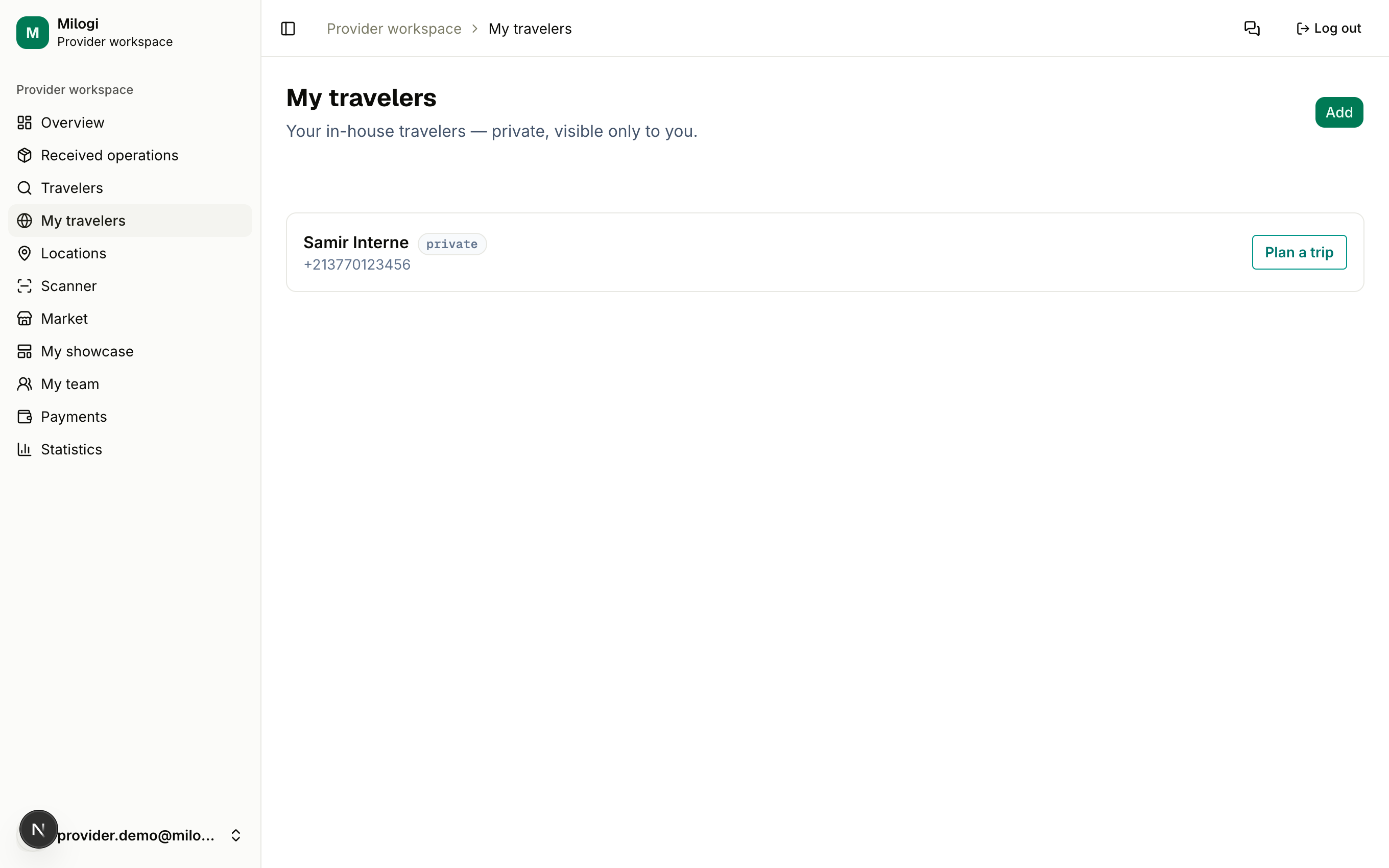
My travelers (/p/travelers) holds the people who fly for you regularly but do not use Milogi themselves. They are private: only you see them, their trips and their history.
Adding a traveler
- Click Add.
- Enter their Name and Phone, then click Add.
The traveler card shows a private badge. They have no login; you act on their behalf.
Planning a trip for them
- On the traveler's card, click Plan a trip.
- Fill in Origin, Destination, Date and Capacity (kg), then Create trip.
The trip appears under the traveler with its free capacity (free/total kg) and is immediately available in your searches and in the batch trip picker. Status changes of the batches you assign to it are recorded exactly as for public travelers, so the customer's tracking page stays accurate.
Public traveler with an account?
If one of your regular travelers creates their own Milogi account, they publish their own trips and update statuses themselves — you simply assign batches to their public trips. In-house travelers are for people who prefer to stay off the platform.